GPX editor
Cut a route down to the part you want to share, strip its timestamps, and download the cleaned file.
Runs on your device - nothing is uploaded.
HOW IT WORKS
1
Open your GPX file
From a watch, bike computer or hiking app - it is parsed in this tab and never uploaded.
2
Drag the trim handles
The route drawing shows which part stays. Remove a warm-up, a drive home or your street.
3
Download the clean file
Optionally without timestamps, so the file carries no record of when you were where.
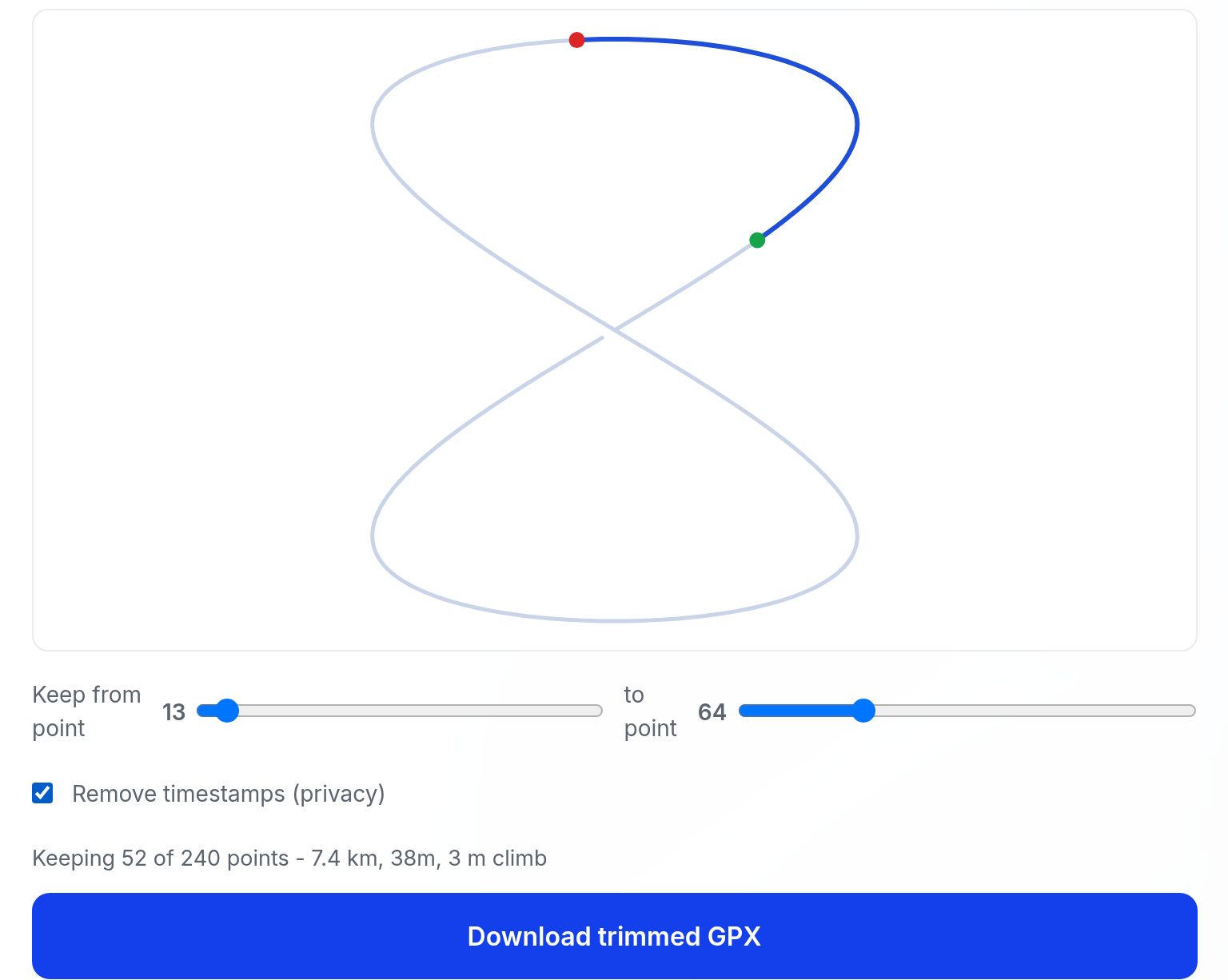
A real trim of a sample track
We made a 240-point sample GPX track - generated for this example, not a real ride - and cut it to the middle 52 points, the blue part. Timestamps were stripped in the same pass, so the download keeps the route shape but carries no time data. This is the tool's own preview of that run:
What it will not do
- Show a map. The preview draws your route's shape so you can see the cut - there are no streets or terrain underneath.
- Keep waypoints, routes or extra tracks. The download is one track with one segment holding the points you kept.
- Edit individual points or repair bad GPS data - it trims the ends, it does not smooth or correct.
- Promise every app accepts the result. The output is standard GPX 1.1, and we have not verified every importer.
Questions
Will the trimmed file still work in Strava, Komoot or Garmin Connect?+
The download is a standard GPX 1.1 file with one track and one segment, which these apps generally import. We have not verified every app - if one rejects it, tell us which app and we will look.
Why remove timestamps?+
A GPX with times reveals exactly when you were at each point - including when you were away from home. Stripping times keeps the route but removes that record.
Can it shorten a route from both ends?+
Yes. Drag both the start and end handles - only the section between them is kept.
Are heart rate or power data kept?+
Trackpoint extensions like heart rate and cadence are preserved on the points you keep. Only the points you cut, and optionally the timestamps, are removed.