Booklet PDF maker
Upload a PDF and get a print-ready booklet file - pages reordered so they come out right when you print double-sided and fold.
Runs on your device - nothing is uploaded.
HOW IT WORKS
1
Upload your PDF
It is read and rebuilt in this tab - nothing is uploaded anywhere.
2
Pick the paper
A4 or Letter, landscape. Two of your pages sit side by side on each side of every sheet.
3
Print double-sided, flip on short edge
Stack the printed sheets as they come out, fold down the middle and staple the spine.
A real run, with the actual output
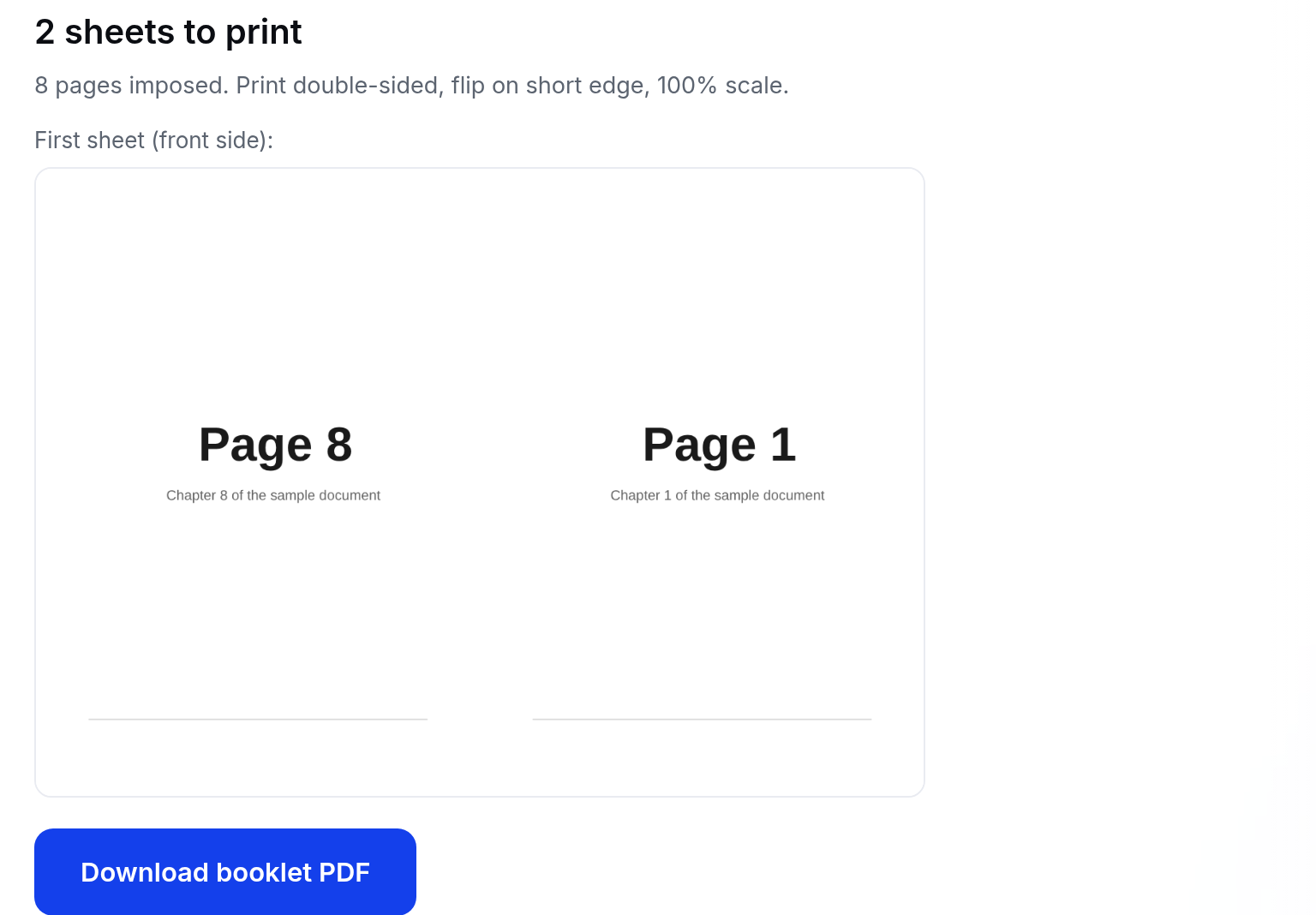
We gave the tool a sample 8-page A5 document. It returned a 4-page A4 landscape file - two sheets to print. On the first sheet's front, page 8 sits next to page 1, so the printed stack folds into a booklet that reads in order. This screenshot is that run, not a mockup:
What it will not do
- Open a password-protected PDF - remove the password first (your viewer's print-to-PDF works).
- Crop or reflow your pages. Each page is scaled whole onto half a sheet, so generous margins stay generous.
- Preview every sheet - the on-screen preview shows the first sheet's front only. The download contains all sheets.
- Beat your device's memory. Imposition happens in this tab, so a very large PDF can fail on a phone with little free RAM.
Questions
How do I print the booklet file?+
Print double-sided, choose "flip on short edge", at 100% scale (no fit-to-page). Stack the sheets in the order they came out, fold along the middle and staple or sew the spine.
What if my page count is not a multiple of four?+
Blank pages are added at the end so the sheets fold correctly - you will see how many were added.
Will my pages be resized?+
Each page is scaled to fit half a sheet while keeping its proportions, and centered. A5-sized originals fit A4 booklets exactly.
My PDF is password protected - can I use it?+
Remove the password first (your PDF viewer can print-to-PDF). Encrypted files cannot be rebuilt in the browser.